

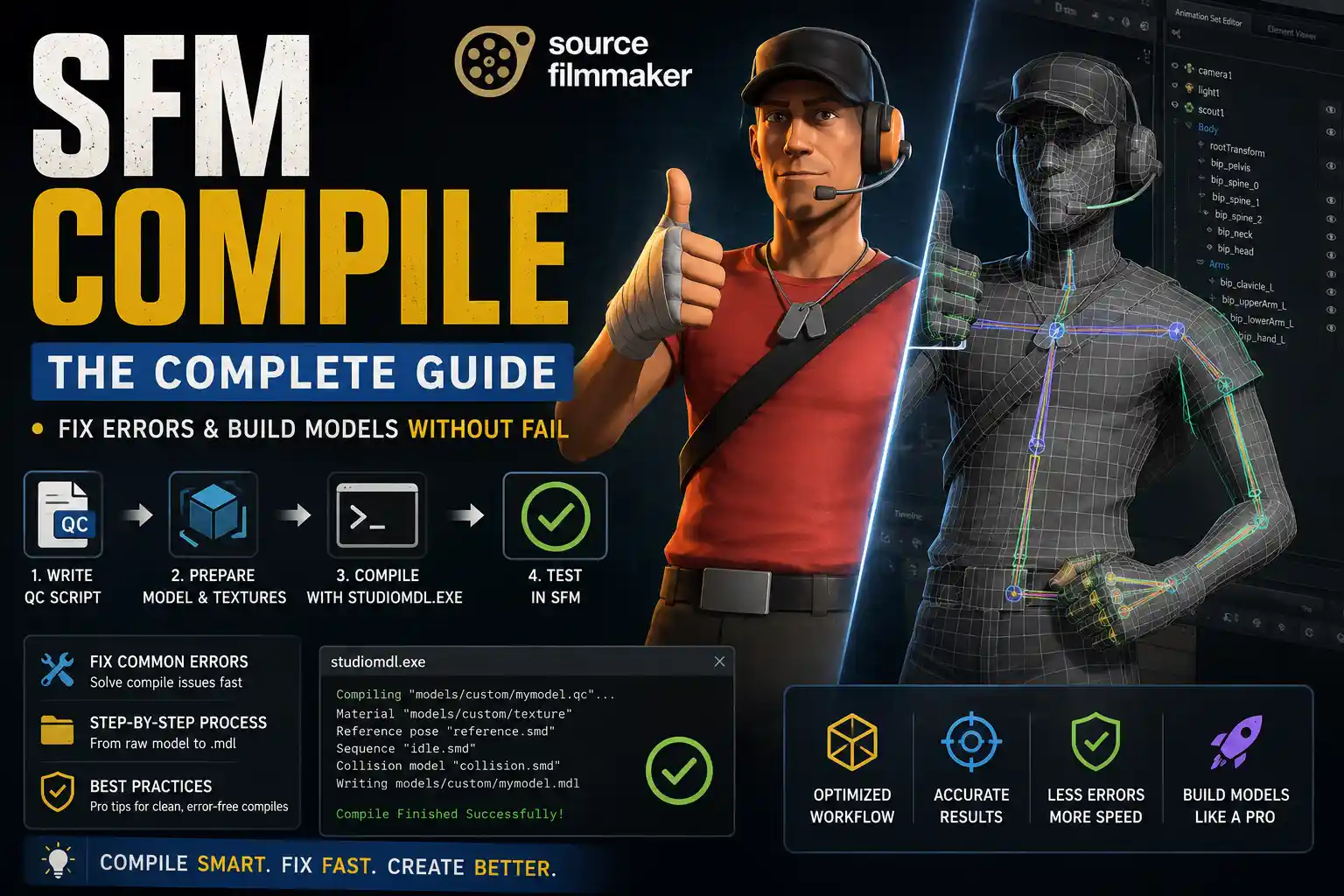
If you have ever tried to load a custom 3D model into Source Filmmaker and watched it either disappear or show up as a floating purple checkerboard, you already understand why SFM compile matters. It is not optional. It is the step that turns your raw 3D asset into something the Source Engine can actually read and use.
SFM compile refers to the process of converting 3D model filestypically exported from software like Blender or Mayainto the .mdl format that Source Filmmaker requires. Without it, no model enters the engine. The compiler packages your mesh, textures, bone rigs, physics data, and animation sequences into a single compiled bundle. Skip it or do it wrong, and you get errors. Do it correctly, and your asset loads, moves, and behaves exactly as designed.
This guide covers the entire pipeline: what the process involves, which tools you need, how to write your QC file, what goes wrong most often, and how experienced users speed up their workflow over time.
How Does the SFM Compile Process Work?
The Source Engine does not accept raw 3D formats like .fbx or .obj. Every asset must go through a conversion pipeline that produces the engine’s native .mdl format before it can appear in your scene.
When you run SFM compile, the compiler reads a .qc script you write, processes the referenced .smd (Studiomodel Data) files, and bundles everything into several output files: the .mdl itself, a .vvd (vertex data file), a .vtx (optimized mesh), and .vtf / .vmt texture files. Together, these files form a complete asset package that Source Filmmaker knows how to load.
What gets bundled during compilation:
- Mesh geometrythe actual 3D shape of your model
- Texture referencespaths pointing to your material files
- Bone/rig datathe skeleton structure that drives animation
- Physics datacollision shapes used for ragdoll and prop interaction
- Animation sequencesany idle, walk, or custom motion cycles you exported
If any of those referenced paths are wrong or the files are missing, the compile either fails outright or produces a broken asset. The classic result is the purple-and-black checkerboard texture, which means the engine loaded the geometry but could not locate the material. Read: Droven IO
Tools Required for SFM Compile
You do not need a large toolkit to get started, but you do need the right tools. Here is what the pipeline actually depends on. Read: Agsassdg
studiomdl.exe
This is the core compilerthe actual program that performs SFM compile. Valve ships it with Source Filmmaker inside the bin directory of your SFM installation. You call it from the command line by pointing it at your .qc file:
studiomdl.exe -nop4 -game “path\to\sfm” yourmodel.qc
It outputs a log in the terminal that tells you exactly what succeeded and what failed. If something breaks, the log is your first debugging tool. Read: WallPostMedia com
Crowbar
Crowbar is a graphical interface that wraps around studiomdl.exe. Instead of writing terminal commands, you point Crowbar at your .qc file, select your game, and click compile. It also supports batch processinguseful when you are iterating quickly across multiple models. For most beginners, Crowbar is the easier entry point to SFM compile without sacrificing access to the error logs.
3D Software (Blender, Maya, 3ds Max)
Your 3D model starts here. Blender is the dominant choice because it is free and has mature Source Engine export plugins. Maya and 3ds Max are used in professional pipelines but cost upward of $1,700 per year. Regardless of which software you use, the goal is the same: export your mesh and skeleton as .smd files that the compiler can read. Read: NewsGiga com
Text Editor
You will write your .qc script by hand. Notepad++ is the standard on Windowsit gives you syntax highlighting for QC directives and makes it easier to spot path errors. On Linux, any standard editor works.
SFM Compile Step by Step
Step 1Preparing Your Model Assets
Before you touch the compiler, your 3D model needs to be in the right shape. The Source Engine has real limits:
- Keep your mesh under approximately 60,000 triangles. High-poly models cause performance issues and sometimes fail to compile entirely.
- Follow Source Engine bone naming conventions. Bones with non-standard names can cause rig failures that are painful to debug after the fact.
- Export your mesh and skeleton as separate .smd filesone for the reference mesh, one for each animation sequence.
- Confirm that your texture files exist at the paths you intend to reference. Texture dependency errors are the single most common reason SFM compile produces broken output. Read: TechGriper com
Step 2Writing the QC Script
The .qc file is the instruction manual for the compiler. It tells studiomdl.exe where to find every file, how to name the output, and what data to include. A basic QC file looks like this:
$modelname “props/mymodel.mdl”
$body mybody “reference.smd”
$cdmaterials “models/props/”
$sequence idle “idle.smd” loop
$collisionmodel “collision.smd” { $concave }
Every directive here has a job:
- $modelnamedefines the output path and filename
- $bodypoints to your reference mesh .smd
- $cdmaterialssets the root path where the engine looks for textures
- $sequenceregisters animation sequences
- $collisionmodeldefines physics collision geometry
Path errors in this file are the number one cause of failed SFM compile results. A single misplaced slash or wrong folder name breaks the entire output. Write this file carefully and double-check every path before running the compiler.
Step 3Running the Compiler
Terminal method: Navigate to your SFM bin directory, then call studiomdl.exe with your .qc file path as the argument. Read the output log character by character if you have toit tells you exactly where failures occur.
Crowbar method: Open Crowbar, set the Compile tab to point at your .qc file, select Source Filmmaker as the game, and click compile. The log window shows the same output. Beginners generally start here because the interface makes it easier to manage game paths without making terminal mistakes.
Step 4Testing the Compiled Model
Once the compiler finishes without errors, load the model in Source Filmmaker. Check for:
- Texturesare materials loading correctly, or are you seeing checkerboard?
- Bone behaviordoes the skeleton deform the mesh as expected?
- Collisiondoes the physics model behave correctly for ragdolls or prop interaction?
If something looks wrong, go back to the compiler log. It almost always contains a warning that points at the real problem.
Common SFM Compile Errors and Fixes
Broken Texture Paths
The purple checkerboard is the most common output of a failed compile. It means the geometry loaded but the engine cannot find the material. Fix: open your .qc file and verify that $cdmaterials points to the exact folder where your .vmt files live. Also confirm the .vmt references the correct .vtf texture file.
Incorrect Scale Values
If your model compiles but loads at the wrong sizeeither enormous or invisiblethe issue is scale. Source Engine uses a specific unit scale. In Blender, this is commonly set during export. Check your .smd export settings and match them to what the engine expects.
Rig and Bone Errors
If the model loads but deforms incorrectly, or animations do not play, the skeleton is the likely culprit. Bone names must follow Source naming conventions, and the hierarchy must be exported consistently between your reference mesh and your animation SMDs.
Corrupted Output / Crash on Load
If Source Filmmaker crashes when you try to load the model, the compiled .mdl is likely corrupted. This often happens from disk write errors or interrupted compile runs. Delete the output files and run SFM compile again from scratch.
Disk Space Issues
The compiler writes multiple output files simultaneously. If your drive runs low on space mid-compile, the output is incomplete. Make sure you have adequate free space before starting large batch compiles.
Best Practices for Your Compile Workflow
Separate your folders. Keep your materials, models, and scripts in clearly named directories from day one. Disorganized projects produce path errors that waste hours.
Compile incrementally. Do not wait until a model is fully finished to compile it. Test at each major stageafter rigging, after adding animations, after finalizing textures. Catching errors early saves significant time.
Start with simple props. Your first SFM compile should be a basic rigid prop with one texture, no animation, and a simple collision model. Once that works cleanly, add complexity.
Use decompiled Valve assets as reference. Valve’s own models are valid compiled assets that you can decompile with Crowbar to study. They show you exactly what a working .qc file looks like for different asset types.
Keep logs. Compiler logs are not just for debugging in the moment. If you save them, you can track when errors first appeared across a multi-session project. Read: Snapjotz Com
Advanced Techniques
Once you are comfortable with the basic pipeline, several advanced features extend what SFM compile can produce.
LOD (Level of Detail) systems let you define multiple mesh versions at different polygon counts. The engine automatically switches between them based on camera distance, keeping scenes performant with many props.
Facial flex systems allow you to compile blend shape data into the model so that individual facial features can be posed in the SFM interfaceessential for character animation work.
Custom shaders can be referenced through your .vmt files to achieve effects like subsurface scattering, self-illumination, or animated textures that go beyond the standard Source material.
Batch compile scripts let you compile entire libraries of models in a single run. You can write these as Windows batch files or Python scripts that loop through a list of .qc files and call studiomdl.exe for each one. On Linux, the same logic applies through shell scripting.
These techniques require solid foundational knowledge of the compile process before they are worth attempting.
Getting Started for Beginners
If you are completely new to SFM compile, here is a focused path to your first working result:
- Start with a low-poly modela simple geometric shape or imported base mesh with a single material. The simpler the model, the easier it is to isolate errors.
- Install your tools firstget studiomdl.exe working via Crowbar before you ever write a .qc file. Confirm the compiler runs without errors on a known-good asset.
- Write your QC manuallydo not rely on auto-generated scripts early on. Writing it yourself forces you to understand what every directive does.
- Compile, then test, then fixtreat every compile as a diagnostic step. Load the result in SFM after every compile run, not just the final one.
- Study decompiled Valve modelspick any working prop from the SFM asset library, decompile it, and read the .qc file. You will learn more from one working example than from any tutorial.
Conclsuion
SFM compile is one of those workflows where the first attempt is almost always broken and the tenth attempt starts feeling routine. Every error the compiler throws is useful information not a dead end. The more methodically you read the logs, organize your files, and test at each stage, the fewer surprises you will run into. Build the habit of clean folder structures and incremental testing from the start, and the process becomes significantly more predictable over time.
FAQs
What file types does SFM compile support as input?
The compiler reads .smd files for mesh and animation data, and .qc scripts for instructions. You export .smd files from your 3D software using Source-compatible export plugins.
How long does compiling take?
Simple props compile in seconds. Complex characters with many bones, flexes, and animation sequences can take several minutes. Batch compiling large libraries can take hours depending on hardware.
Is SFM compile compatible with Source 2?
No. The .mdl format produced by studiomdl.exe is for the original Source Engine. Source 2 uses a different asset pipeline. If you are targeting Source 2 tools, you need different software and a different workflow entirely.
Why do I keep getting the purple checkerboard texture?
This means your geometry compiled, but the engine cannot find the material files. Go back to your .qc file and verify the $cdmaterials path. Then check that your .vmt file exists in that location and that it references your .vtf texture correctly.
Do I need to know how to code?
Not in the traditional sense. Writing a .qc file is closer to filling out a configuration document than writing a program. However, if you want to use Python or shell scripts to automate batch compiles, basic scripting knowledge becomes useful.
